
What are @tweakable annotations?
@tweakable annotations are special JSDoc comments that automatically generate interactive controls for your code parameters. They allow users to adjust values in real-time without editing code, making your WebSim creations more engaging and accessible.
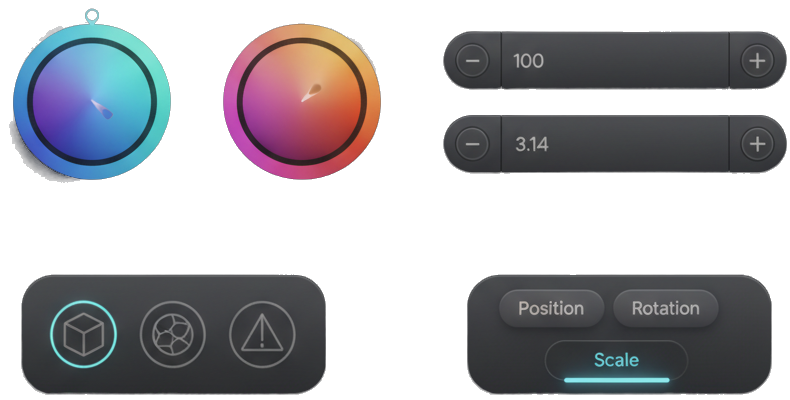
Examples of automatically generated controls: sliders for numbers, toggles for booleans, color pickers for hex values, and grouped controls for objects
Automatic UI Generation
Controls are automatically created based on your data types
Real-time Updates
Changes apply instantly without page reload
Enhanced Creativity
Perfect for visual effects, animations, and interactive experiences
Basic Syntax
The basic syntax follows standard JSDoc comment format with the @tweakable tag:

Anatomy of a @tweakable annotation showing the JSDoc comment structure and variable declaration
/* @tweakable [optional description] */
const variableName = defaultValue;
Syntax Rules
- Must use block comment syntax:
/* */ - Description is optional but recommended for clarity
- Must be placed directly above the variable declaration
- Works with
const,let, andvar
Examples
Simple Values
/* @tweakable animation speed multiplier */
const animationSpeed = 1.0;

/* @tweakable particle count */
const particleCount = 100;

/* @tweakable rotation angle in degrees */
const rotationAngle = 45;/* @tweakable primary color */
const primaryColor = "#ff6b6b";
/* @tweakable background texture */
const bgTexture = "marble";
/* @tweakable particle shape */
const particleShape = "circle";/* @tweakable enable particle trails */
const showTrails = true;
/* @tweakable auto-rotate camera */
const autoRotate = false;
/* @tweakable debug mode */
const debugMode = true;Complex Objects
/* @tweakable player dimensions */
const playerSize = {
    width: 32,
    height: 48
};

/* @tweakable light position in 3D space */
const lightPosition = {
    x: 10,
    y: 5,
    z: 15
};

/* @tweakable RGB color values */
const customColor = {
    r: 255,
    g: 100,
    b: 150
};
Real-world Use Cases
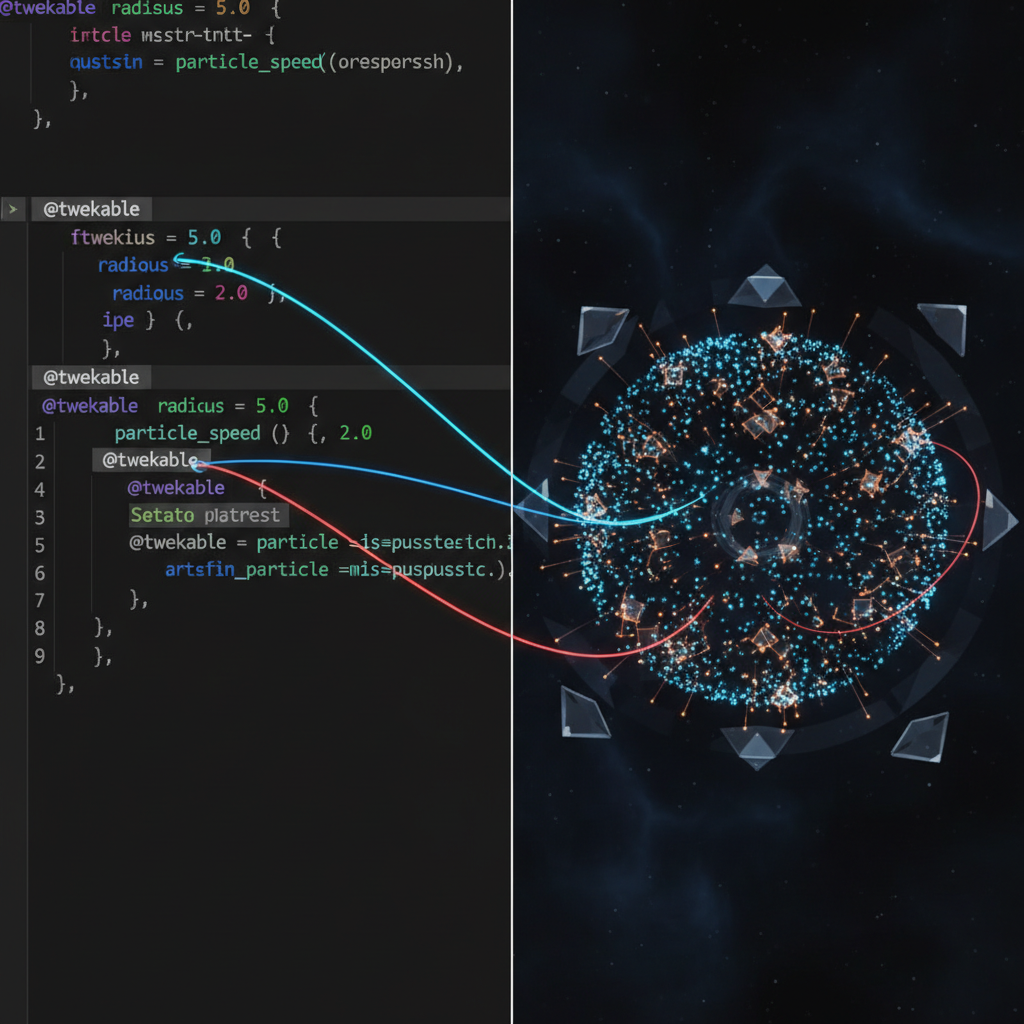
Live demonstration of @tweakable controls affecting a 3D scene in real-time - adjusting particle count, colors, and animation speed instantly updates the visual output
🎮 Game Development
/* @tweakable player movement speed */
const playerSpeed = 5.0;

/* @tweakable jump force */
const jumpForce = 12;

/* @tweakable gravity strength */
const gravity = 0.8;
🎨 Visual Effects
/* @tweakable particle system */
const particles = {
    count: 500,
    size: 2.0,
    speed: 1.5,
    opacity: 0.8
};

/* @tweakable wave amplitude */
const waveHeight = 50;
🌐 3D Scenes
/* @tweakable camera settings */
const camera = {
    fov: 75,
    near: 0.1,
    far: 1000
};

/* @tweakable material properties */
const material = {
    metalness: 0.5,
    roughness: 0.2
};
Supported Data Types
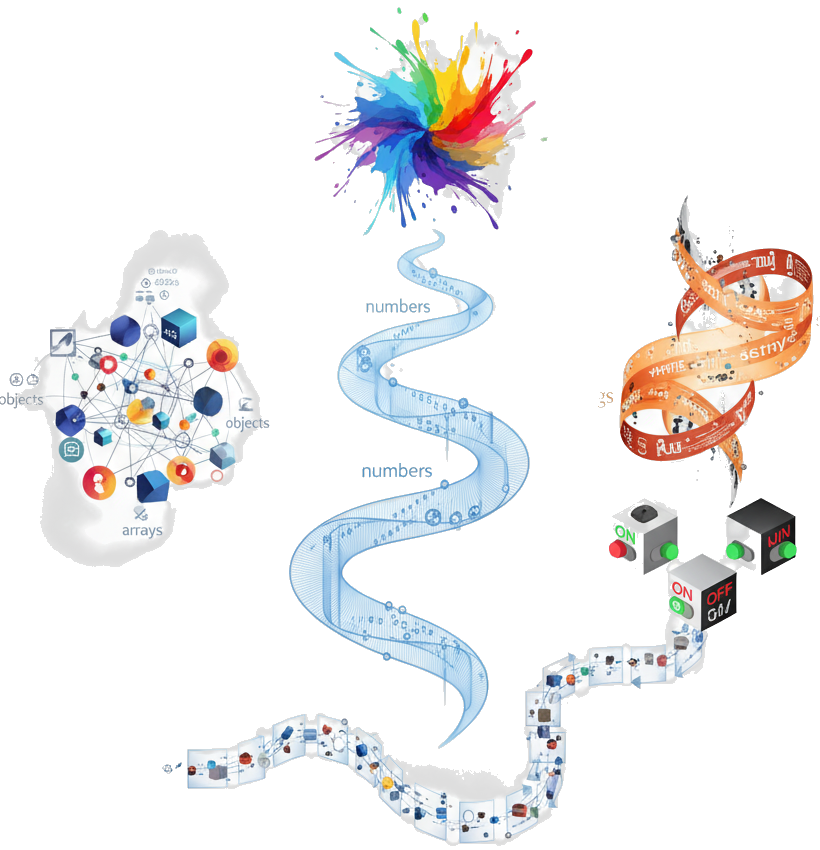
Artistic visualization of how different JavaScript data types are interpreted and transformed into appropriate UI controls
Numbers
Integers and floats generate sliders or number inputs
const speed = 5.5;
→ Slider/Input
Strings
Text values create text inputs or dropdowns
const name = "Player";
→ Text Input
Booleans
True/false values generate toggle switches
const enabled = true;
→ Toggle Switch
Colors
Hex colors automatically get color pickers
const color = "#ff6b6b";
→ Color Picker
Objects
Object properties create grouped controls
const pos = {x: 0, y: 0};
→ Control Group
Arrays
Arrays create dynamic list controls
const items = [1, 2, 3];
→ List Editor
Best Practices
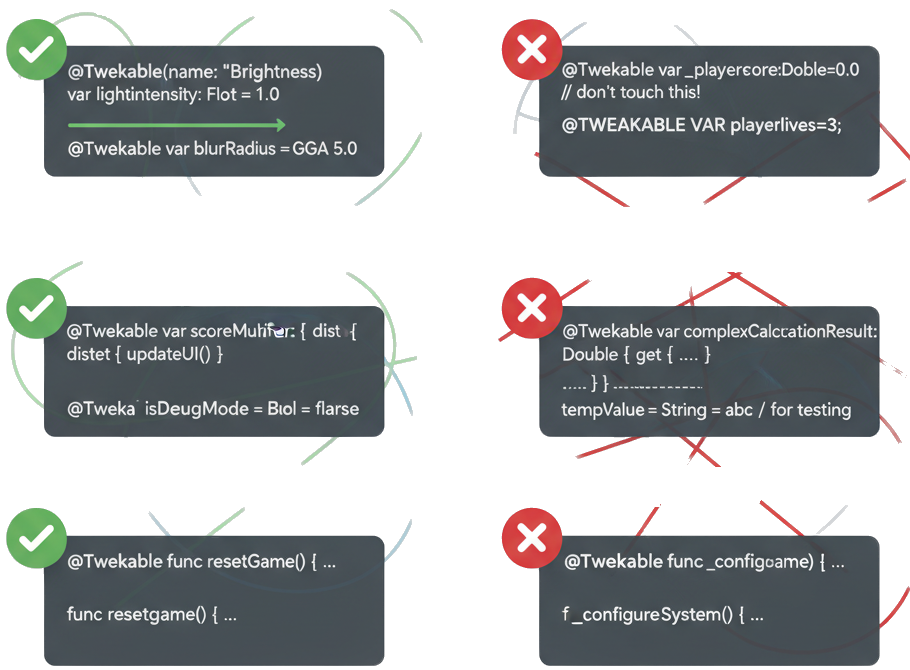
Visual guide showing recommended patterns (green) and anti-patterns (red) for effective @tweakable annotation usage
Use Descriptive Names
Choose variable names that clearly indicate their purpose
/* @tweakable particle emission rate */
const particleEmissionRate = 10;Add Helpful Descriptions
Include descriptions when the variable name isn't self-explanatory
/* @tweakable controls how bouncy the ball is */
const restitution = 0.8;Choose Sensible Defaults
Set default values that work well out of the box
/* @tweakable camera field of view */
const fov = 75; // Good default for most scenesAvoid Overly Complex Objects
Keep nested objects simple for better UI generation
// Too complex
const config = {
    render: { quality: { shadows: { resolution: 1024 } } }
};Don't Overuse @tweakable
Only expose parameters that users will actually want to adjust
// Focus on key parameters
/* @tweakable main color theme */
const primaryColor = "#4a90e2";Group Related Parameters
Organize related values into objects for better UX
/* @tweakable lighting configuration */
const lighting = {
    intensity: 1.0,
    color: "#ffffff",
    shadows: true
};
💡 Pro Tips
- Performance: @tweakable values update in real-time, so avoid exposing computationally expensive parameters
- User Experience: Group related controls together using objects for a cleaner interface
- Debugging: Use @tweakable annotations to quickly test different values during development
- Accessibility: Provide clear descriptions to help users understand what each control does
- Creative Process: Perfect for iterating on visual effects, animations, and interactive elements